
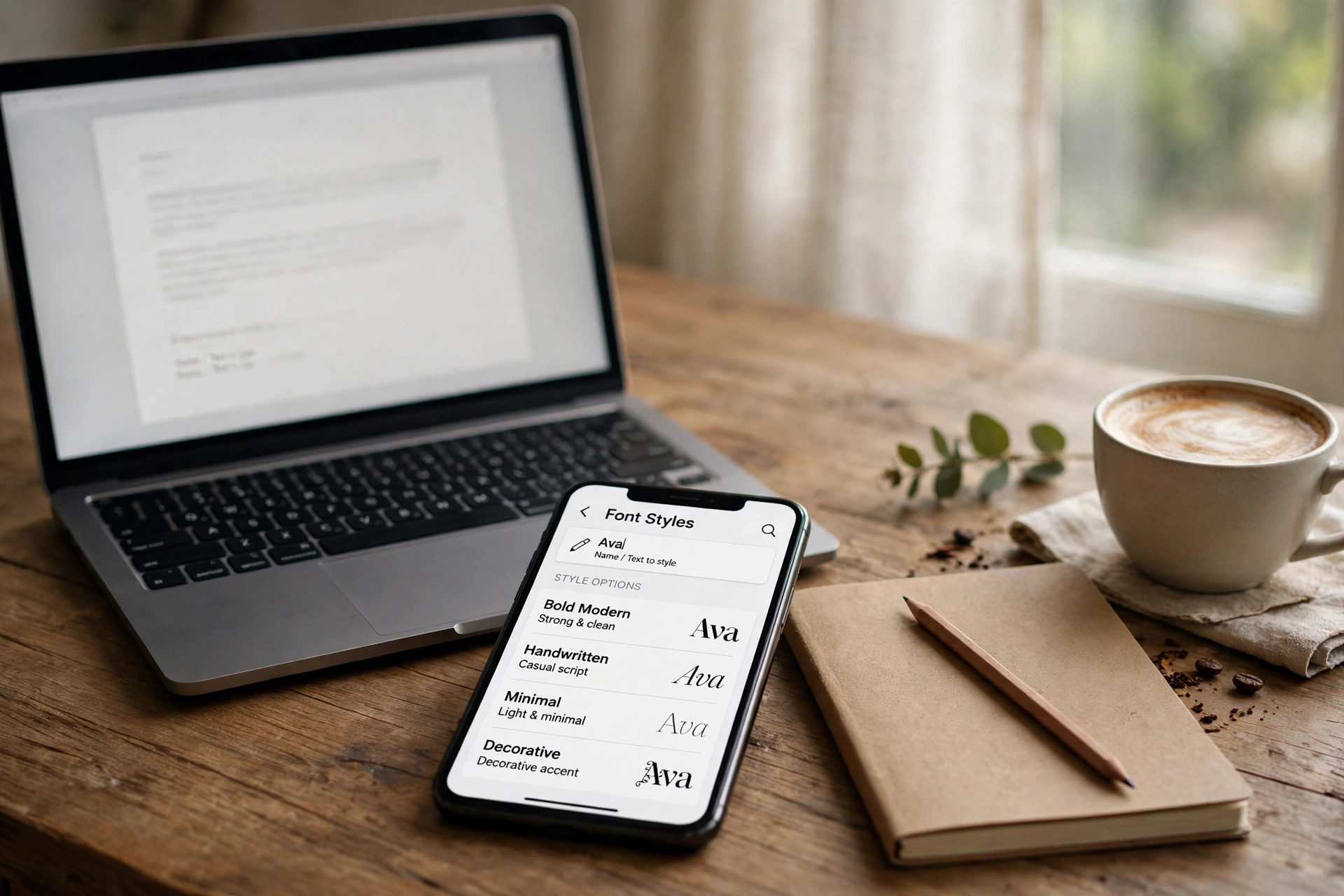
Search “stylish name app” and you get dozens of near-identical apps promising hundreds of fonts. They mostly do the same one job — turn typed text into copy-paste Unicode styles — but they differ in what they ask for in return: permissions, ads, and whether they work offline. This guide explains how they work, rounds up the best-known ones from their own listings, and shows the no-install option.
A stylish name app converts your typed text into Unicode font styles (bold, script, bubble, gothic and more) that you copy and paste into games and social apps. You do not strictly need one — a web tool does the same job with no install — but if you want an app, pick a copy-paste styler over a keyboard app, and check its permissions first.
How a Stylish Name App Actually Works
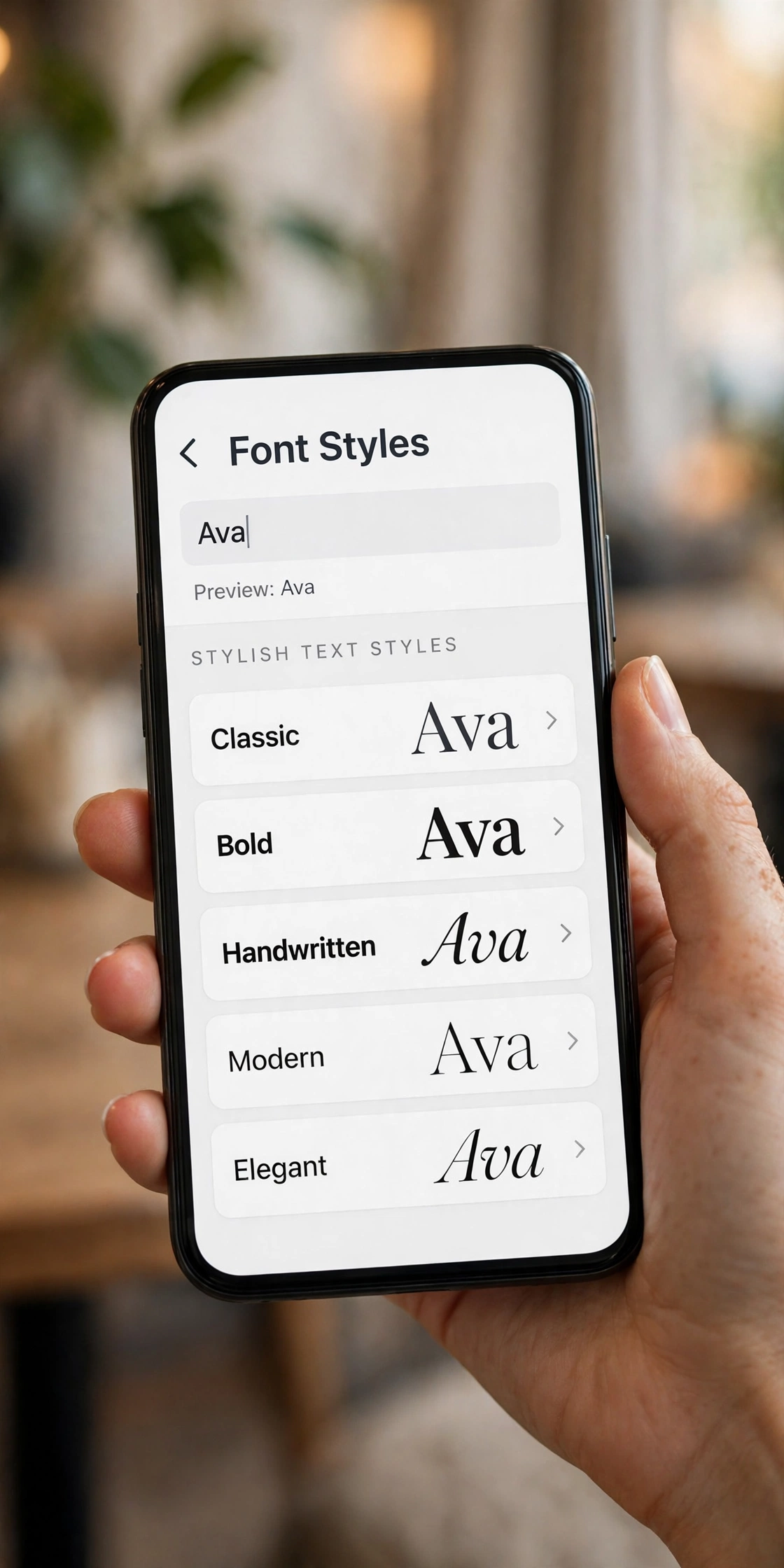
- Type your name or any text into the app.
- The app maps each letter onto Unicode characters that look like a different font — script, bold, italic, bubble, gothic, glitch, and more. These are not real fonts, which is why they paste into almost any app.
- Tap a style to copy it, then paste it into your game, bio, or chat.
- Some apps add extras: nickname generators, symbol collections, favourites, and direct share buttons.
Why some styles break: the safest Unicode styles are bold, italic, small caps, and bubble. Heavy zalgo and glitch styles can render as boxes or get filtered in some games — if a styled name shows as □□□, switch to a safer style rather than adding more symbols.
The Best-Known Stylish Name Apps (From Their Own Listings)
Counts and features below come from each app’s own store listing, which can change — check the current listing before installing.
| App | What its listing promises | Best for |
|---|---|---|
| Fancy Name | 250+ font styles, gaming nickname generator, one-tap copy, works offline | Gamers who want the biggest style set in one app |
| Font Style App | 50+ font styles plus a font keyboard, live preview as you type | People who want styles while typing, not just copy-paste |
| Fancy Name Maker & Bio Fonts | 100+ fonts, text repeater, glitch text, frames, one-tap copy and share | Bio and caption styling with decorations |
| Cool Text Generator | Nickname generator, stylish fonts, favourites, offline use, no data collection per its listing | Privacy-conscious users who want offline styling |
| Stylish Nickname Generator | 50+ stylish fonts, nickname generator, symbol collections | Quick gaming nicknames |
What to Check Before Installing Any Name App
- Keyboard vs copy-paste. A keyboard app can see what you type, so it deserves far more trust than a simple copy-paste styler. If you only need styled names occasionally, a copy-paste app asks for much less.
- Permissions. A text styler has no good reason to want your contacts, location, or full storage. If the permission list looks unrelated to styling text, skip it.
- Ads and paywalls. Most of these apps are free with ads; premium usually just removes ads and unlocks extra fonts. You do not need premium to get a good styled name.
- Offline use. Pure Unicode mapping works offline. If an app demands constant internet for basic styling, that is a warning sign, not a feature.
- Recent updates. An app updated in the last few months is more likely to work on current Android versions than one abandoned years ago.
The No-Install Option: Style It on the Web
Every job above can be done in a browser with no install, no permissions, and no ads-for-unlock. Our stylish name maker gives 500+ styles across 39 categories, the Instagram name styles page has 130 styles made for Instagram, and our username ideas post has 200 names if you are starting from scratch. The only thing an app adds is convenience — the styles themselves are identical, because both use the same Unicode characters.
A Note on Free Fire Names
Free Fire is the strictest case in this whole niche: names cap at 12 characters, and renaming costs 390 diamonds or a Rename Card. If you style a Free Fire name in any app, count the characters after styling, not before — symbols count too. Our Free Fire stylish names page is built around that 12-character limit.
Frequently Asked Questions
Do I need a stylish name app at all?
No. A web tool like our stylish name maker produces the same Unicode styles with no install and no permissions. An app only adds convenience.
Are stylish name apps free?
Most are free with ads. Premium typically removes ads and unlocks extra fonts — you do not need it to get a good styled name.
Do styled fonts work in every game and app?
Almost everywhere, because they are Unicode characters, not real fonts. Some games filter heavy glitch and zalgo styles — if a name shows as boxes, switch to a safer style like bold or small caps.
Is a font keyboard app safe?
A keyboard can see what you type, so only install one from a developer you trust, and prefer a copy-paste styler if you only need names occasionally.
Do these apps work on iPhone?
Most of the listings above are Android-focused. On iPhone, the web tool works exactly the same — open it in Safari, style, copy, paste.
Why does my styled name show as boxes in a game?
The game or device lacks those Unicode characters. Switch to a safer style (bold, italic, small caps, bubble) and the boxes disappear.
Short version: a stylish name app is a copy-paste Unicode converter with extras attached. Judge it on permissions, ads, and offline use — not on how many fonts it claims — and remember the web tool does the same job free whenever you do not want another app on your phone.