
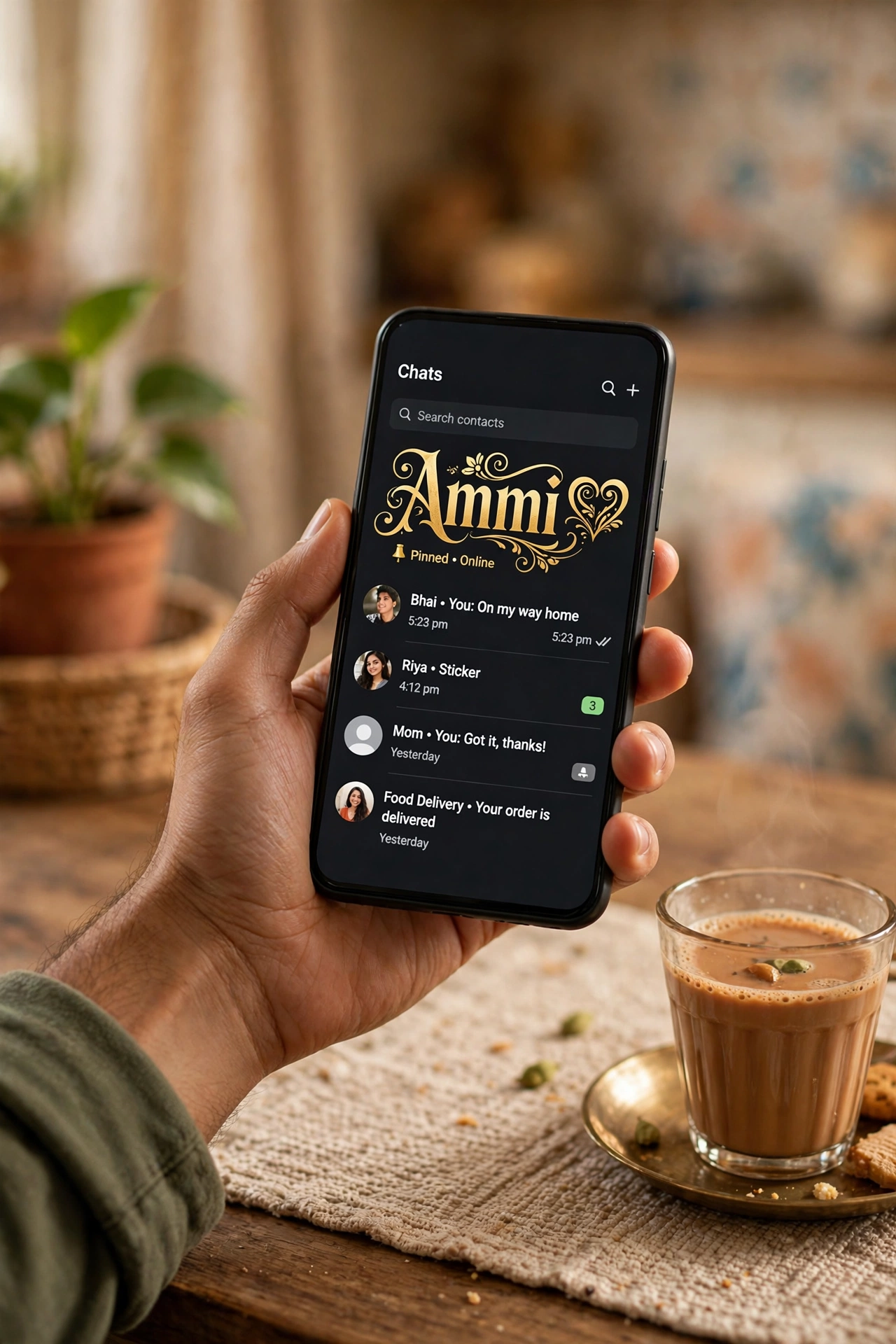
Stylish Name for WhatsApp
Your WhatsApp name is what strangers, groups and new contacts see first — and WhatsApp gives you 25 characters for it, symbols and emoji welcome. That is plenty of room for a proper stylish name. Make yours in the tool below, or copy a ready-made one — every name here fits the 25-character limit.
Typing in Urdu, Hindi or Bengali? Switch the tool’s language and write your name in your own script — the same 500+ designs apply, and a script name stands out in every group chat.
Ready-Made WhatsApp Names — Copy & Paste
Real outputs of the tool above. Click any name to copy it, then paste it into your WhatsApp profile.
With Frames and Symbols
- ((★(。♥‿♥。) Ⓐⓛⓘ ✿
- ꧁༺+ 𝐴𝑙𝑖 +༻꧂
- ((★(。♥‿♥。) Ⓩⓐⓘⓝ ✿
- ༺👑 Bilal 👑༻
- ⚔️👑 𝔹𝕚𝕝𝕒𝕝 👑⚔️
- ༺👑 Rayan 👑༻
- ⚔️👑 ℝ𝕒𝕪𝕒𝕟 👑⚔️
- ꧁༺♡ Hamza ♡༻꧂
- 🔥👑 ℍ𝕒𝕞𝕫𝕒 👑🔥
- ꧁༺♡ Danish ♡༻꧂
- 🔥👑 𝔻𝕒𝕟𝕚𝕤𝕙 👑🔥
- ꧁༺+ 𝑆𝑎𝑑𝑖𝑎 +༻꧂
- 🦋༻Zain༻🦋
- ★彡 𝑼𝒎𝒂𝒓 彡★
- ꧁ 𝓤𝓶𝓪𝓻 ꧂
- ★彡 𝑨𝒚𝒂𝒏 彡★
- ꧁ 𝓐𝔂𝓪𝓷 ꧂
- 🦋༻Sadia༻🦋
Clean Font-Only Names
Just your name in a strong font — the professional choice for business accounts and family groups.
- 𝐀𝐥𝐢
- 𝒵𝒶𝒾𝓃
- Uᴍᴀʀ
- Aʏᴀɴ
- 𝔹𝕚𝕝𝕒𝕝
- 𝑅𝑎𝑦𝑎𝑛
- ℌ𝔞𝔪𝔷𝔞
- 𝔇𝔞𝔫𝔦𝔰𝔥
- 𝐒𝐚𝐝𝐢𝐚
- ℐ𝓂𝓇𝒶𝓃
- 𝓐𝓻𝓼𝓵𝓪𝓷
- ℍ𝕒𝕤𝕤𝕒𝕟
How to Change Your WhatsApp Name
- Open WhatsApp and tap your profile photo (or Settings → your name at the top).
- Tap your current name, or the pencil/edit icon next to it.
- Delete the old name and paste your stylish name.
- Tap save/tick — the new name is live immediately, and you can change it again any time.
WhatsApp Name Rules
| Rule | What it means for you |
|---|---|
| Maximum length | 25 characters for the profile name — letters, symbols and emoji all count |
| Symbols & emoji | Allowed — WhatsApp does not restrict your profile name to plain letters |
| Who sees it | People who have NOT saved your number see your profile name; saved contacts see the name they saved |
| Change limit | None — change it as often as you want |
| The About line | A separate short line under your name in your profile — a second place for a small stylish touch |
Make It Yours: Urdu, Hindi & Bengali Names
WhatsApp is where this site’s audience actually lives — family groups, mohalla groups, office groups. A name written in your own script (اردو, हिन्दी, বাংলা) inside an English-dominated contact list is impossible to miss. Use the tool’s language switch, type your name in your script, and pick a design — the styles wrap your script name in the same fonts and frames.
Common Problems and Fixes
My friends still see my old name
If a friend saved your number under a name, WhatsApp shows them THEIR saved name for you — not your profile name. Your stylish name appears for new contacts, group members who haven’t saved you, and in group participant lists. Nothing is broken.
My name looks like boxes on a friend’s phone
Very old phones miss some symbols. If it matters (a business account, elders in the family group), use a clean font-only name — bold and script Unicode letters display on virtually every phone.
The name field won’t take my full design
You are over 25 characters. Trim the frame first — most frames cost 4–8 characters — or drop to the font-only version of the same design.
Frequently Asked Questions
How many characters can a WhatsApp name have?
25 characters maximum, counting letters, symbols and emoji. Every ready-made name on this page was checked against that limit.
Can I use symbols and emoji in my WhatsApp name?
Yes — WhatsApp allows them in the profile name, unlike Facebook. Frames, crowns and stars all work; just stay within 25 characters.
Why doesn’t my new name show to my contacts?
Contacts who saved your number see the name they saved. Your profile name shows to everyone else — new contacts and group members. That’s how WhatsApp works for every user.
Can I change my WhatsApp name again later?
Any time — there is no lock or waiting period. Change it for Eid, for cricket season, for a new job; the name field doesn’t judge.
Does a stylish name work on WhatsApp Business?
Yes — the same 25-character profile name applies. For a business, the clean font-only styles look professional while still standing out in a customer’s chat list.
Can I write my WhatsApp name in Urdu?
Yes. Type your name in Urdu in the tool above (switch its language to Urdu) and copy any design — WhatsApp displays Urdu script names perfectly.
More Stylish Name Tools
- Stylish Name Generator — the main tool, 500+ designs in 39 categories
- Instagram Name Style — 130 styles made for profiles and bios
- Free Fire Stylish Name — names that fit the 12-character limit
- PUBG & BGMI Stylish Name — 16-character names with frames and clan tags
- Gothic Font Generator — 49 blackletter fonts for dark, medieval looks