
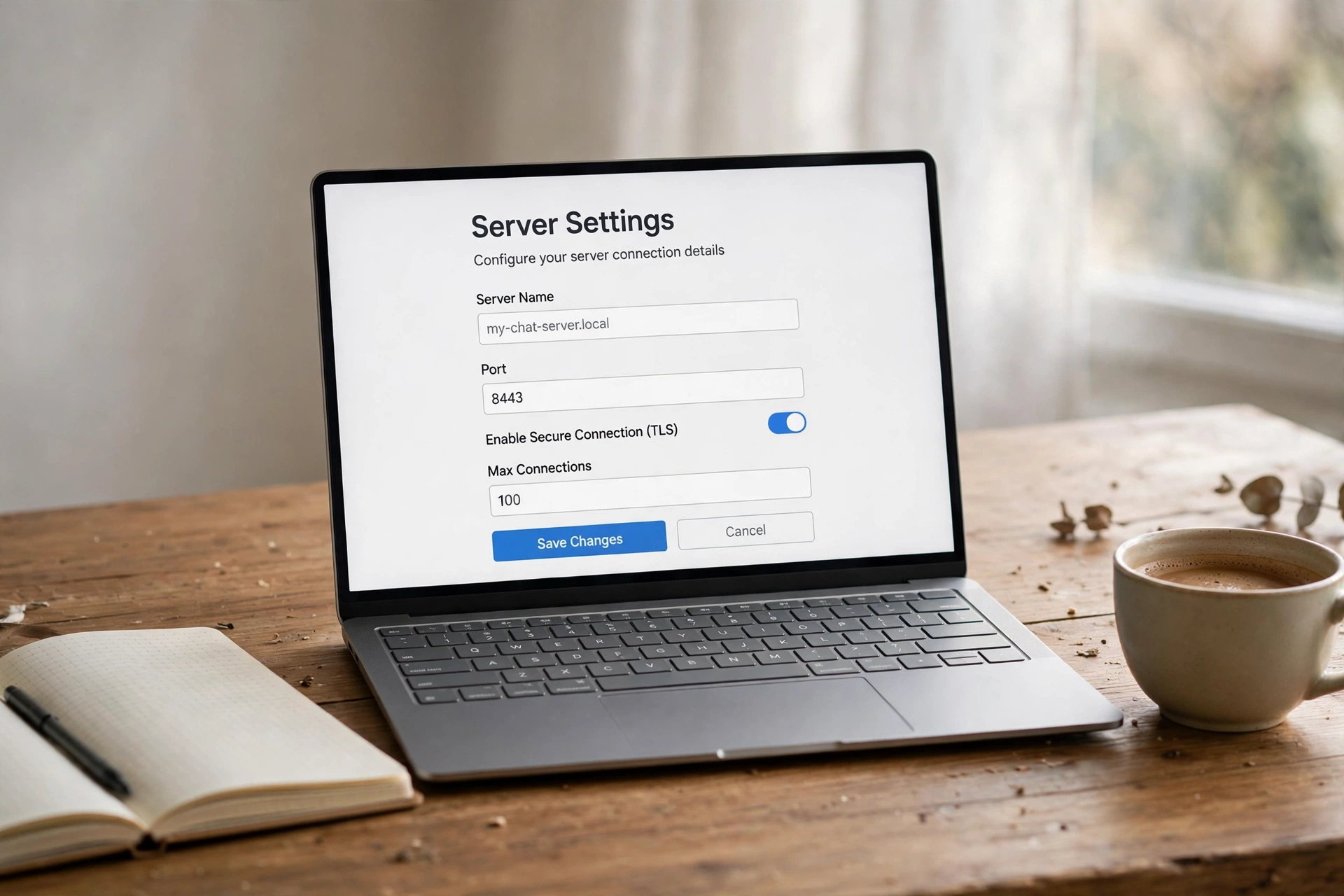
A server name is the first thing anyone sees — in the sidebar, in an invite, and in search. This post gives you 100 server names across five vibes (gaming, study, friends, aesthetic, music), plus the rename steps and the rules that decide whether a name actually works on mobile.
To rename a Discord server, open it, click the server name → Server Settings → Overview, type the new name in the Server Name field, and save. Only the server owner or someone with the Manage Server permission can do it, and names can run 2–100 characters.
How to Rename a Discord Server
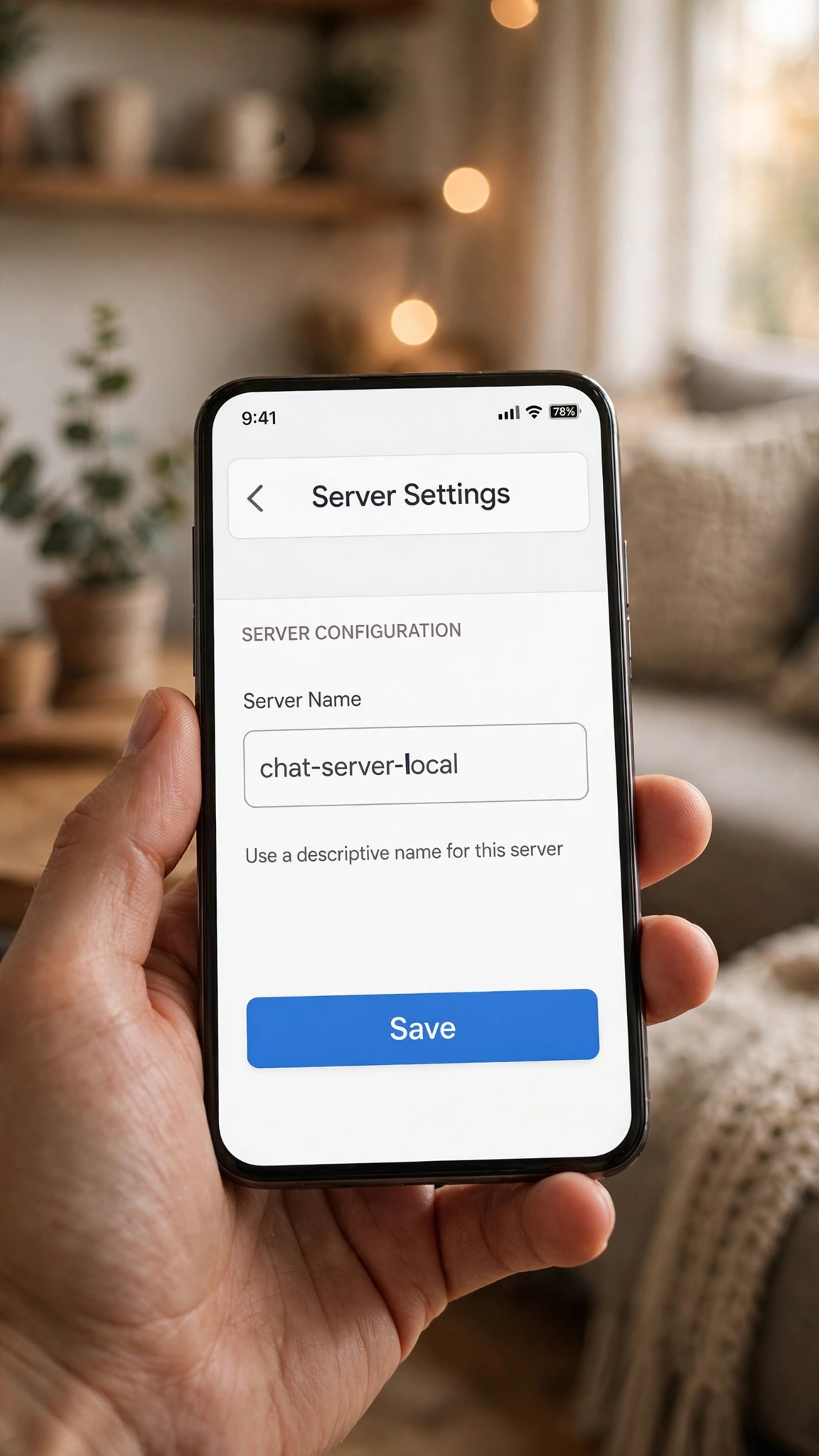
- Open the server you want to rename.
- Click the server name at the top of the channel list to open the menu.
- Select Server Settings, then open the Overview tab.
- Type the new name in the Server Name field.
- Click Save Changes. The new name shows everywhere immediately.
On mobile the path is nearly identical: tap the server name (or the three dots next to it), open Settings → Overview, edit the Server Name field, and save. If you do not see the setting, you lack the permission — only the owner or an admin with Manage Server can rename a server.
How to Pick a Server Name That Works
- Keep it short. The limit is 100 characters, but long names get truncated in the sidebar — especially on phones. If members cannot read the full name, the clever part is wasted.
- Say the topic. The best server names tell a stranger what happens inside: a game, a subject, a friend group, a sound.
- Use one or two keywords. Names built around the server’s actual topic are easier to remember and to search for.
- One emoji at most. Emojis are allowed in server names, but they render differently across devices and clutter fast. If you use one, put it at the front.
- Announce the change. After a rename, drop a short message in your announcements channel so members are not confused.
Gaming Server Names
Pixel Vanguard · Squad Up HQ · The Respawn Room · Loot Legends · Night Raid Central · GG Society · The Clutch Zone · Boss Fight Club · No Scope Social · The Grind House · Critical Hit Cafe · Spawn Point · Ranked Refuge · The Lobby Legends · Co-Op Corner · Frag Factory · The Victory Lap · Side Quest Society · Controller Crew · The Final Circle
Study & Community Server Names
Study Hall Central · The Focus Room · Notes & Beyond · Deadline Defenders · The Library Lounge · Brainstorm Bay · Revision Station · The Study Squad · Homework Heroes · The Knowledge Nest · Exam Season HQ · Deep Work Den · The Research Lab · Study Buddies United · The Learning Loft · Mind Over Matter · The Assignment Hub · Scholar Society · The Quiet Corner · Think Tank Central
Friends & Chill Server Names
The Inner Circle · Late Night Lounge · The Hangout Hub · Good Vibes Only · The Friend Zone · Midnight Chats · The Cozy Corner · Squad Goals HQ · The Banter Box · Weekend Warriors · The Chill Spot · Old Friends Club · The Group Chat · Just Us · The Comfort Zone · Random Shenanigans · The Safe Space · Daily Dose · The Memory Lane · Friends Forever Hub
Aesthetic & Cozy Server Names
Soft Light Society · The Golden Hour · Pastel Dreams · Moonlit Meadow · Cloud Nine Club · The Serene Space · Velvet Skies · Wandering Stars · The Quiet Garden · Dreamy Days · Lavender Lane · The Calm Collective · Starlight Studio · Gentle Waves · The Cozy Nook · Ethereal Echoes · Sunset Boulevard Club · The Peaceful Place · Bloom & Grow · Whispering Willows
Music & Creator Server Names
The Sound Lab · Beat Drop Central · Melody Makers · The Studio Session · Rhythm Republic · Bassline Brotherhood · The Playlist Place · Acoustic Avenue · Soundwave Society · The Mixtape Club · Vocal Vibes · The Recording Room · Lo-Fi Lounge · The Music Makers · Harmonic Haven · The Creator Hub · Stream Team Central · Content Corner · The Upload Room · Applause Avenue
Server Name Rules, At a Glance
| Rule | What it means |
|---|---|
| 2–100 characters | Short names display fully on phones; long ones truncate in the sidebar. |
| Owner or Manage Server only | Regular members cannot rename a server, even their favourite one. |
| Emojis allowed | They render differently per device — one at the front is the safe maximum. |
| Invites keep working | Renaming does not break invite links; they are code-based, not name-based. |
Style Your Own Name Inside the Server
The server name sets the theme — your own name inside it is a separate choice. Your display name and per-server nickname both accept stylish fonts, so style them with our Discord name styles or the main stylish name maker (500+ styles), and keep the server name itself clean and readable. If you are still picking a personal handle, our username ideas post has 200 more.
Frequently Asked Questions
Who can rename a Discord server?
Only the server owner, or an admin with the Manage Server permission. Regular members cannot rename a server — if you want a change, ask an admin.
How long can a Discord server name be?
2–100 characters. In practice, keep it much shorter: long names truncate in the sidebar, especially on mobile, and members will only ever see the first part.
Can I use emojis in a server name?
Yes. Emojis are allowed, but they render differently across devices and can clutter the sidebar — one emoji at the front is the safe choice.
Does renaming break invite links?
No. Invite links are code-based, not name-based, so a rename leaves every existing invite working.
What is the difference between a server name and a nickname?
The server name is the community’s name, set by the owner or an admin. A nickname is your personal name inside one server only — members can set their own where the server allows it.
Can I style a server name with fancy fonts?
Technically some Unicode styles render, but they hurt readability and searchability — the better move is a clean server name plus a styled display name or nickname for yourself.
Short version: pick a short name that says the topic, rename it in Server Settings → Overview, announce the change, and keep your own styled name for your display name and nickname. The server name is the sign on the door — make it readable from the street.