
Stylish Name for Discord
Discord gives you three name layers: a username that must stay plain (lowercase letters, numbers, dots and underscores only), a display name of up to 32 characters, and a different nickname in every server. The plain one is just your ID — the other two are pure style territory. Here’s how gamers style them.
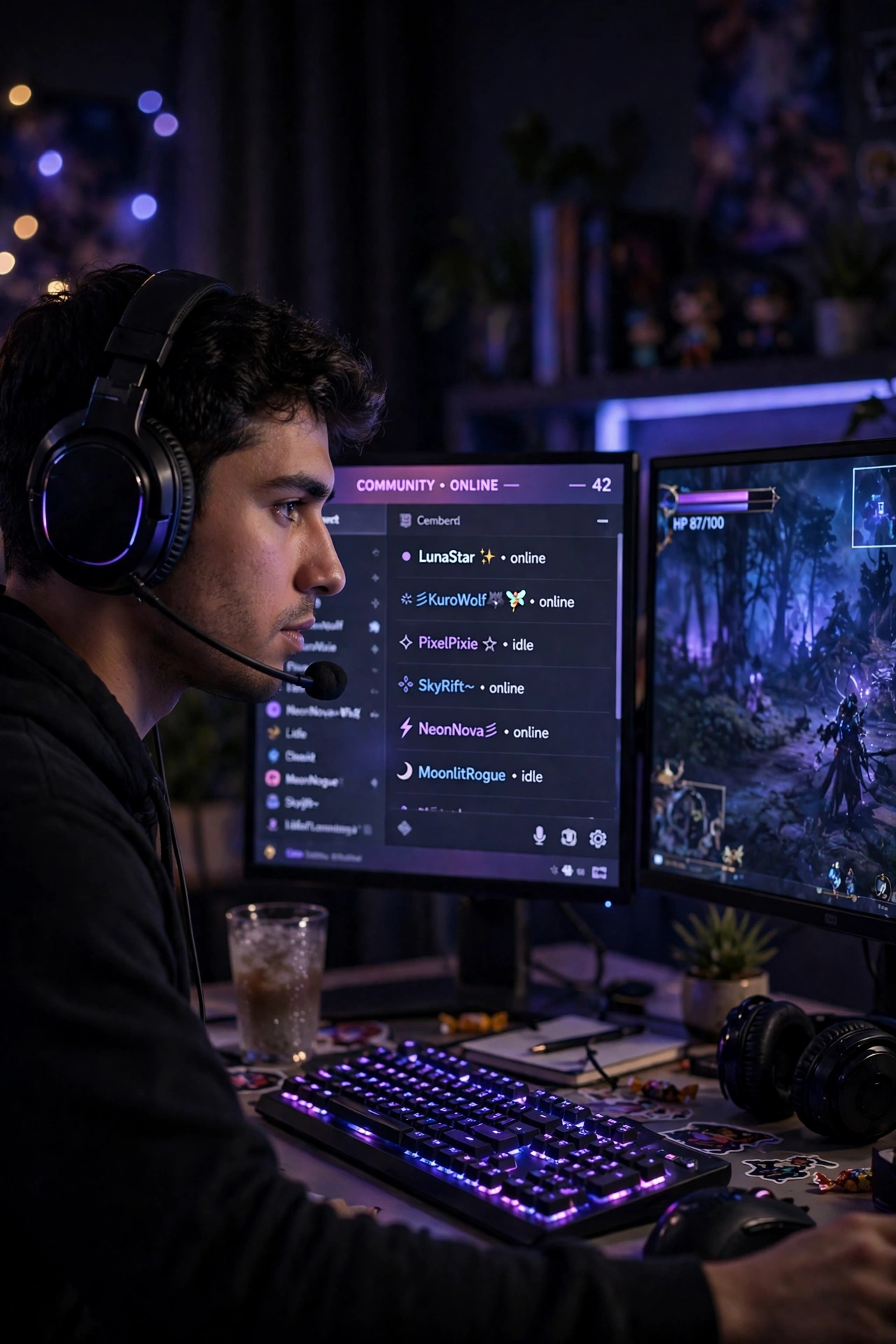
Gaming servers read member lists like leaderboards. A framed or gothic name in the list says “regular here” before you’ve typed a word — and server nicknames mean you can run a different style in every community you’re in.
Ready-Made Discord Names — Copy & Paste
Real outputs of the tool above, all inside Discord’s 32-character display-name and nickname limit. Click any name to copy it.
With Frames and Symbols
- ((★(。♥‿♥。) Ⓢⓐⓓⓘⓐ ✿
- ((★(。♥‿♥。) Ⓘⓜⓡⓐⓝ ✿
- 🔥👑 𝕀𝕞𝕣𝕒𝕟 👑🔥
- 🔥👑 𝔸𝕣𝕤𝕝𝕒𝕟 👑🔥
- ⚔️👑 ℍ𝕒𝕤𝕤𝕒𝕟 👑⚔️
- ꧁༺♡ Hassan ♡༻꧂
- ꧁༺+ 𝐻𝑎𝑠𝑠𝑎𝑛 +༻꧂
- ༺👑 Ahmad 👑༻
- 🦋༻Ahmad༻🦋
- ꧁༺+ 𝐴ℎ𝑚𝑎𝑑 +༻꧂
- ༺👑 Fatima 👑༻
- 🦋༻Fatima༻🦋
- ⚔️👑 𝔽𝕒𝕥𝕚𝕞𝕒 👑⚔️
- ꧁༺♡ Ayesha ♡༻꧂
- ꧁🦋Hamza 🦋💙⁓
- ꧁🦋Danish 🦋💙⁓
Clean Font-Only Names
Font-only styles — the gothic and small-caps looks are Discord classics for a reason: sharp in the member list, readable in chat.
- Aʟɪ
- 𝚉𝚊𝚒𝚗
- Ⓤⓜⓐⓡ
- 𝓐𝔂𝓪𝓷
- 𝔅𝔦𝔩𝔞𝔩
- ℜ𝔞𝔶𝔞𝔫
- 𝐇𝐚𝐦𝐳𝐚
- 𝐃𝐚𝐧𝐢𝐬𝐡
- Sᴀᴅɪᴀ
- 𝕀𝕞𝕣𝕒𝕟
- 𝔸𝕣𝕤𝕝𝕒𝕟
- 𝙷𝚊𝚜𝚜𝚊𝚗
How to Set Your Discord Display Name & Server Nicknames
- Display name (everywhere): open Settings (gear icon) → Profiles → edit the Display Name field → paste → save.
- Server nickname (one server): open the server, find yourself in the member list (or your message), right-click / tap your name.
- Choose Edit Server Profile / Change Nickname and paste the style for that server.
- Repeat per server — your gaming server, study server and clan server can each carry a different name.
Discord Name Rules
| Rule | What it means for you |
|---|---|
| Username | Plain only — lowercase letters, numbers, underscores, periods; unique; it’s your permanent ID |
| Display name | Up to 32 characters; fancy fonts, frames and symbols allowed; shows across Discord |
| Server nickname | Up to 32 characters, different in every server; overrides your display name inside that server |
| Moderation | Server admins can reset nicknames that break their rules — keep server styles within the server’s vibe |
Three Names, Three Jobs
Think of it as kit: the username is your passport (plain, permanent, how friends add you). The display name is your face (one style, everywhere). Server nicknames are your jerseys — a clan-tagged name in the gaming server, your real name in the university server, something unhinged in the meme server. Styling all three layers on purpose is what separates the regulars from the tourists.
Common Problems and Fixes
Discord says my username is invalid
You’re styling the wrong field. Usernames accept only lowercase letters, numbers, underscores and periods — no spaces, no capitals, no fancy characters. Paste your design into the display name or a server nickname instead.
My nickname changed back on one server
A server admin or mod bot reset it (some servers enforce name rules). Your global display name is untouched — re-apply a nickname that fits that server’s rules.
Fancy letters look broken on my friend’s screen
Rare on Discord (desktop and modern phones render Unicode well), but the font-only styles are the zero-risk option — gothic, small caps and bold survive everywhere.
Frequently Asked Questions
Can I have a stylish name on Discord?
Yes — in your display name and in server nicknames, up to 32 characters each, with fonts, frames and symbols. Only the username must stay plain.
How do I change my Discord nickname in one server?
Open the server, right-click (or tap) your own name in the member list, choose Edit Server Profile / Change Nickname, paste, save. It applies to that server only.
What characters can a Discord username have?
Lowercase letters, numbers, underscores and periods — and it must be unique. Capitals and special characters aren’t allowed in usernames; the display name is where they live.
Do server nicknames affect my other servers?
No. Each server’s nickname is independent, and none of them change your global display name or your username.
Can my Discord name be in Urdu, Hindi or Arabic script?
Yes — display names and nicknames render scripts fine. Use the tool above in your language to style one.
What name styles suit Discord best?
Gothic and small-caps fonts are the community classics, and framed names with clan tags rule gaming servers. The lists above start with both.
More Stylish Name Tools
- Stylish Name Generator — the main tool, 500+ designs in 39 categories
- Instagram Name Style — 130 styles made for profiles and bios
- Free Fire Stylish Name — names that fit the 12-character limit
- PUBG & BGMI Stylish Name — 16-character names with frames and clan tags
- Gothic Font Generator — 49 blackletter fonts for dark, medieval looks