
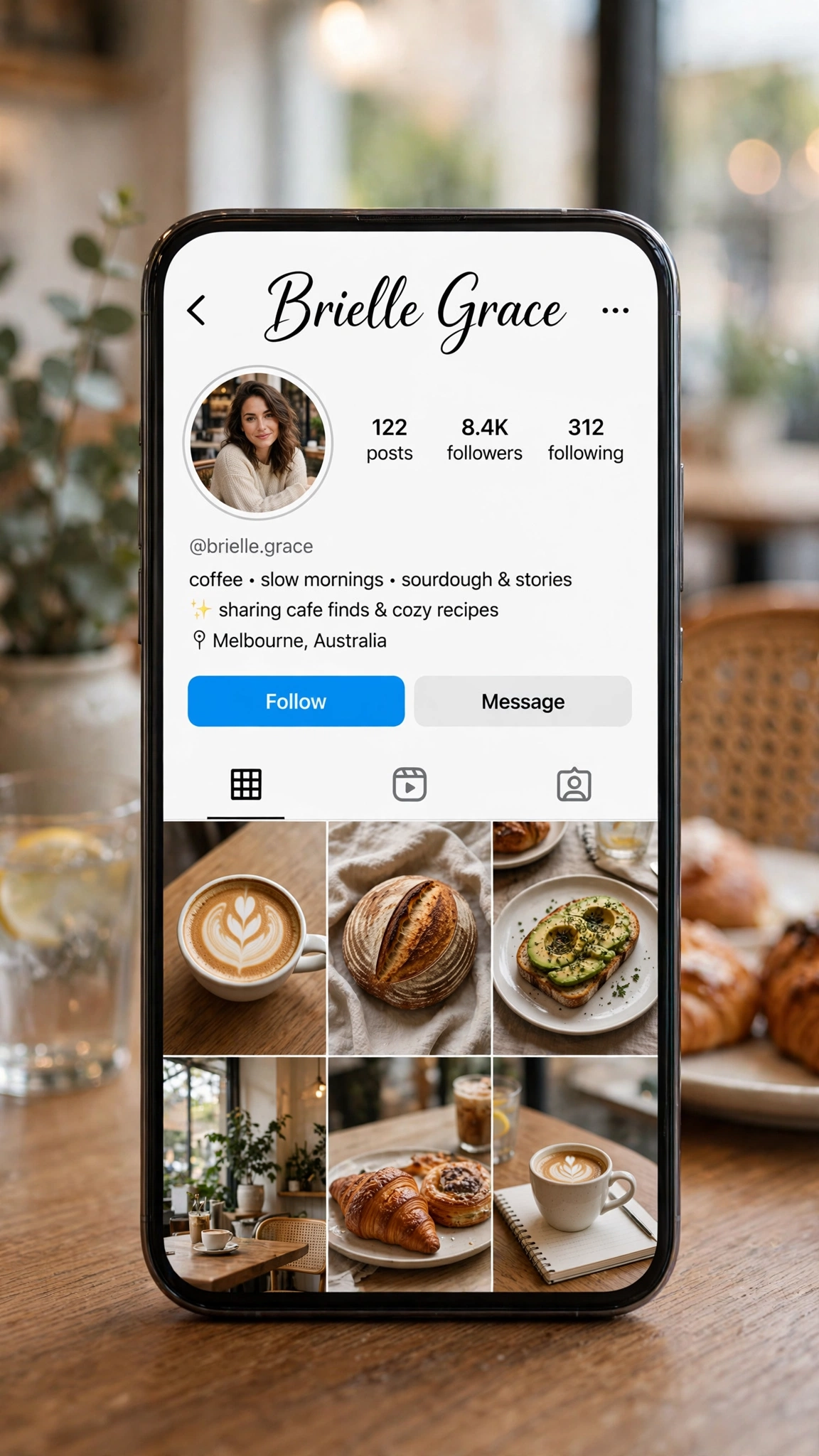
Instagram gives you two names, and they do opposite jobs. Your username (@handle) is your address — plain, permanent-feeling, typed by machines and memorised by humans. Your display name is your signboard — styled, searchable, changeable any time. Most profile problems come from asking one to do the other’s job. Here is the split, clearly.
The Two Names, Side by Side
| Username (@handle) | Display Name | |
|---|---|---|
| Characters | Letters, numbers, dots, underscores ONLY | Anything — Unicode fonts, symbols, emoji |
| Limit | 30 characters | 30 characters |
| Must be unique? | Yes — one per account, first come first served | No — a thousand Mahnoors can coexist |
| Stylish fonts? | Never — the field rejects them | Always — this is where style lives |
| Changing it | Old handle is held 14 days before others can claim it | Free, instant, as often as you like |
| Search role | People find you by typing it exactly | Instagram search reads this field — keywords here get you discovered |
Why the Username Can Never Be Stylish
It is not Instagram being difficult — it is plumbing. Your username is an identifier: it builds your profile URL, powers @mentions, and keys the database. Identifiers must be typeable on any keyboard and unambiguous in any font, so the system allows only the plain set. A username made of 𝓼𝓬𝓻𝓲𝓹𝓽 letters would break links, mentions and search in one move. The display name carries no such duties — it is a label humans read — so it accepts the full Unicode playground.
The Setup That Uses Both Properly
- Username: short, spellable, sayable aloud — your real name or a tight variation, because people will type it from memory.
- Display name first half: your name in a stylish font from our Instagram name styles — this is the part eyes land on.
- Display name second half: after a separator, what you do or love (Photographer, FF Player, Baker) — this is the part Instagram search reads.
- Leave the username alone afterwards. Every change risks the 14-day hold confusion and broken old mentions.
Common Mix-Ups
- Trying to paste a stylish font into the username field and concluding “Instagram banned stylish names” — it didn’t; you used the wrong field.
- Changing the username for a trend and losing the handle your audience memorised.
- Writing your keyword role in the bio only — the bio is not the search field; the display name is.
- Adding dots and numbers to force a taken username instead of checking the display name route first.
Frequently Asked Questions
What is the difference between an Instagram username and a display name?
The username (@handle) is your unique, plain-text address — letters, numbers, dots and underscores only. The display name is the label shown on your profile; it can use stylish fonts and symbols, needs no uniqueness, and is read by Instagram search.
Can I make my Instagram username stylish?
No — the username field physically rejects Unicode fonts and symbols. Stylish versions of your name belong in the display name field, which accepts all of them.
Does changing my display name affect my username?
Not at all. Display names change freely and instantly, any number of times, without touching your handle, your link, or your followers.
What happens when I change my username?
Your profile link changes with it, old @mentions point nowhere, and Instagram holds your old handle for 14 days before anyone else can register it. Change it rarely, and announce it when you do.
Which name shows in search results?
Both — Instagram searches usernames and display names. That is why the winning setup pairs a memorable plain username with a display name carrying your styled name plus a keyword about what you do.
Keep Reading
- Instagram Name Style — 130 styles plus the bio builder
- Stylish Name Generator — your name in 500+ designs
- Gothic Font Generator — for the dark-aesthetic display name