
Outgrown your old handle? Changing it takes less than a minute — and you do not need a new account. This guide shows the exact steps on mobile and desktop, the username rules Instagram actually enforces, and what happens to your old handle, followers, and profile link after the change.
To change your Instagram username, open the app, tap your profile icon, tap Edit Profile, type the new username in the Username field, and tap the checkmark (or Done on iPhone). On a computer, go to instagram.com → Profile → Edit Profile → Accounts Center → your profile → Username → Done. The new handle goes live immediately, and Instagram holds your old username for 14 days so you can switch back.
How to Change Your Instagram Username on the App
- Open the Instagram app and make sure you are signed in to the right account.
- Tap your profile icon in the bottom-right corner to open your profile page.
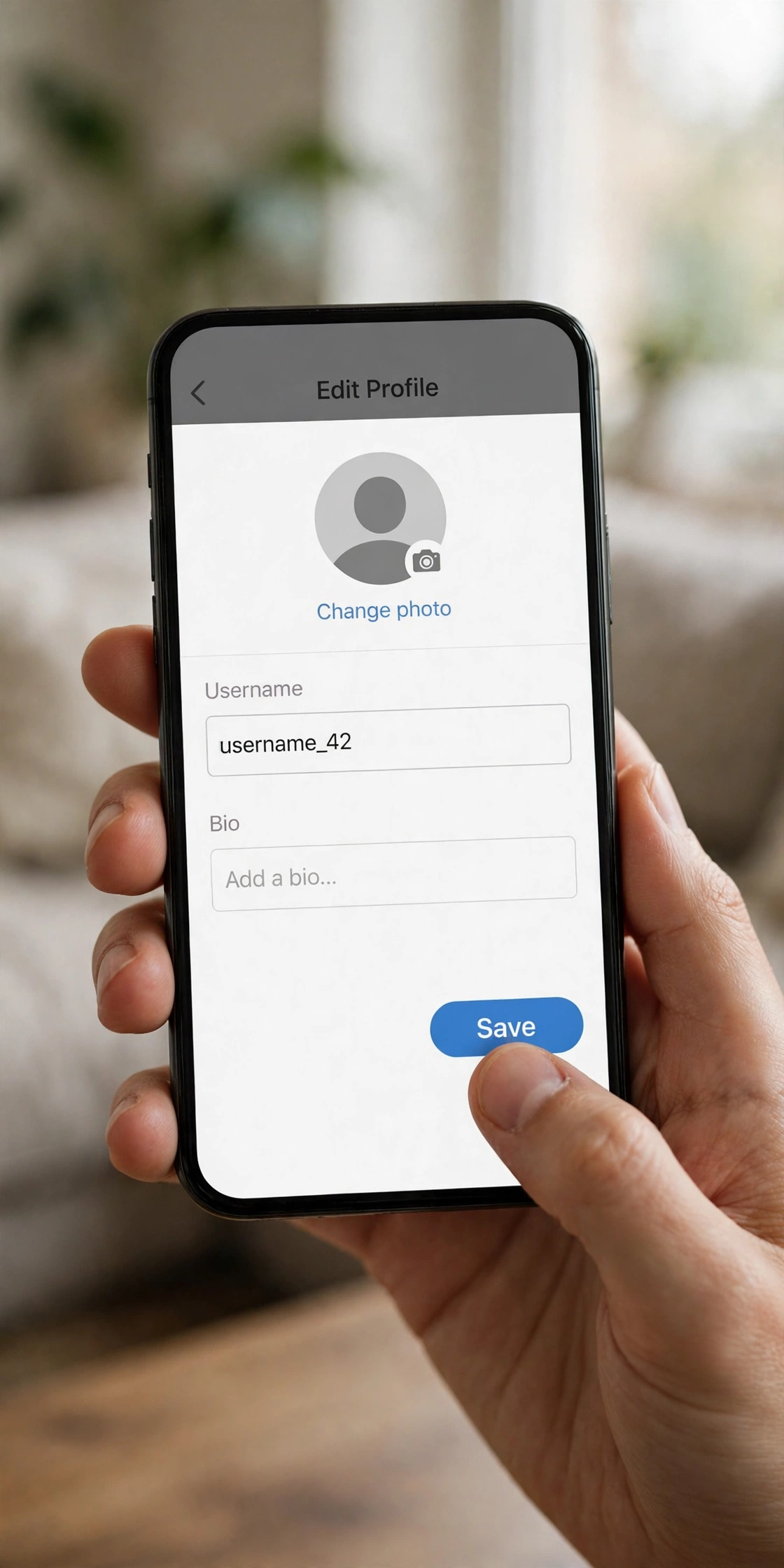
- Tap Edit Profile — it sits right below your bio.
- Tap the Username field, delete the old handle, and type the new one. Instagram checks availability instantly: if the name is taken, you will see a “Username not available” message and you will need a variation.
- Save it — tap the checkmark in the top-right corner (on iPhone it says Done). Your new username is live immediately.
If the app still shows your old name after saving, it is usually just a cache delay — everyone else already sees the new one. Restart the app, and if that does not fix it, restart your phone.
How to Change Your Instagram Username on Desktop
The desktop path goes through Meta Accounts Center, so it has two extra taps — but the result is the same.
- Go to instagram.com and sign in.
- Open your Profile from the left menu.
- Click Edit Profile.
- Open Accounts Center from the settings menu.
- Select your Instagram profile under Profiles.
- Click Username, type the new handle, and make sure it shows as available.
- Click Done. One difference from the app: on the web, Instagram may only tell you the name is unavailable when you hit submit, so double-check before clicking Done.
Instagram Username Rules You Must Know
Instagram rejects a new username for only a few reasons. Check your pick against this table before you save it, and you will rarely see an error.
| Rule | What it means |
|---|---|
| Unique | Only one account can hold a username. If it is taken — even by an empty-looking account — you cannot use it. |
| Up to 30 characters | Shorter is better for memory and tagging, but the hard limit is 30. |
| Letters, numbers, periods, underscores only | No spaces and no other symbols in the username itself. Periods and underscores are the only separators allowed. |
| No profanity or restricted language | Handles that break Instagram’s rules will be rejected or removed. |
| Old handle held 14 days | After a change, Instagram holds your previous username for 14 days. In most cases you can switch back within that window if nobody else has taken it. |
How often can you change it? Instagram publishes no total limit on username changes — but the app rate-limits rapid back-to-back changes, and guides report a short burst limit of around five changes in 30 minutes. If Instagram blocks a change after several quick edits, wait a while and try again instead of hammering the save button.
Username vs Display Name: What’s the Difference?
People mix these two up, and the difference matters. Your username (the handle after @) is unique, appears in your profile URL, and is how people tag you — and it follows the strict rules above. Your display name (the Name field on your profile) does not have to be unique, can be changed freely, and allows spaces, emojis, and stylish fonts.
That makes the display name the right place for style. If your new handle has to stay plain, style the display name and bio instead with our Instagram name styles — 130 copy-paste styles that work in display names and bios, while your handle stays clean and searchable.
What Happens After You Change Your Username?
Most of the fear around changing a handle is overblown. Here is exactly what changes and what does not:
- Your profile link changes immediately. Your old instagram.com/oldname URL stops working, so update the link anywhere you shared it — other bios, websites, business cards, and link-in-bio pages.
- Followers, posts, and messages stay. Changing a username does not remove followers, photos, videos, or DMs. It is the same account with a new handle.
- Your old handle is held for 14 days. That is your safety net: if you regret the change, you can usually switch back within two weeks, as long as nobody else grabbed it first.
- People may get confused. Followers may be notified of the change, and anyone trying to tag you needs the new handle. Old tags on other people’s posts may not update automatically.
- Large accounts may face a review. Instagram notes that if your account reaches a lot of people, a username change may need to be reviewed first — you will be notified when the review is done.
If Your New Username Is Taken (or Instagram Won’t Let You Change It)
A taken username is the most common blocker, and it is almost always fixable without settling for a random string of digits:
- Try a small variation first. Add a period, an underscore, or a short niche word — yourname.plays, yourname.daily, yourname.club. Avoid birth years and long number strings: they date the profile and give away personal information.
- Pick from a real list instead of guessing. Our username ideas post has 200 cool, aesthetic, and gaming names across 8 categories — shortlist three, run the in-app availability check, and take the one that is free.
- Do not try to claim someone else’s handle. There is no way to take a username from another account holder, even if the account looks inactive. Instagram may deactivate truly inactive accounts on its own, but you cannot queue for a handle.
- Check for a restriction. If every name fails, open Settings → Account → Account Status and look for an active restriction on your account.
- Wait out a hold. If the name you want was recently freed by another account, it may still be inside its hold window. Check again after a week or two.
Style Your New Identity After the Change
Once the plain handle is locked in, make the visible parts of your profile match it. Our stylish name maker turns any name into 500+ copy-paste styles for your display name and bio, and the Instagram name styles page has the 130 styles made for Instagram. Change the handle first, style second — that order keeps your account searchable while still looking the part.
Frequently Asked Questions
Can I change my Instagram username back to my old one?
Usually yes, within 14 days — Instagram holds your previous username for that window. After 14 days, or if someone else takes it first, the old handle is gone for good.
Will I lose followers if I change my username?
No. Followers, posts, videos, and messages all stay — it is the same account. What changes is your @ handle and your profile URL, so update the link wherever you shared it.
How often can I change my Instagram username?
There is no published total limit, but Instagram rate-limits rapid back-to-back changes — guides report a burst limit of around five changes in 30 minutes. Space your changes out and you will not hit it.
What is the difference between a username and a display name?
The username (@handle) is unique, appears in your profile URL, and allows only letters, numbers, periods, and underscores up to 30 characters. The display name does not need to be unique and allows spaces, emojis, and stylish fonts — that is where your Instagram name styles go.
Does my Instagram profile link change too?
Yes, immediately. Your old instagram.com/oldname link stops working, so update it in your other bios, websites, and link-in-bio pages right after the change.
Can I use stylish fonts in my Instagram username?
Not in the handle itself — usernames only accept plain letters, numbers, periods, and underscores. Stylish fonts go in your display name and bio, which is where our stylish name maker comes in.
Short version: pick a handle that passes the rules, change it in Edit Profile, update your shared links, and style the display name after. The whole thing takes under a minute — the only part worth slowing down for is choosing a name you will still like next year.