
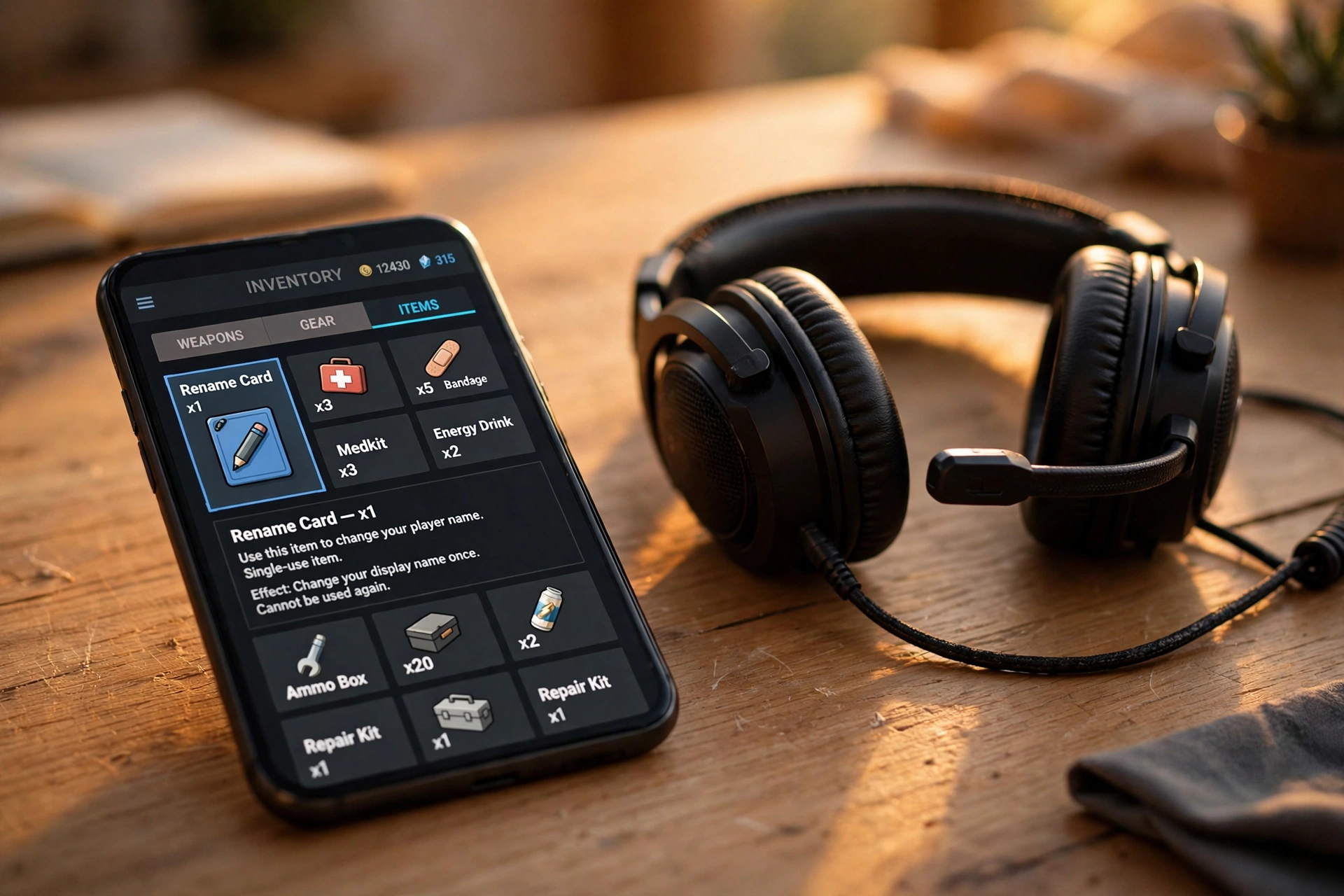
PUBG Mobile and BGMI are the same game under two names, and they share the same rename system — one Rename Card, one path, one set of rules. This guide covers both games in one place: the exact steps, what a Rename Card costs, how to get one free, and what happens to your rank, clan, and friends after the change.
To change your name in PUBG Mobile or BGMI, open Inventory, tap your Rename Card, tap Use, type the new name, and tap OK. You need one card per rename, you can only rename once per day, and the card is consumed only when the change succeeds.
How to Change Your Name in PUBG Mobile and BGMI
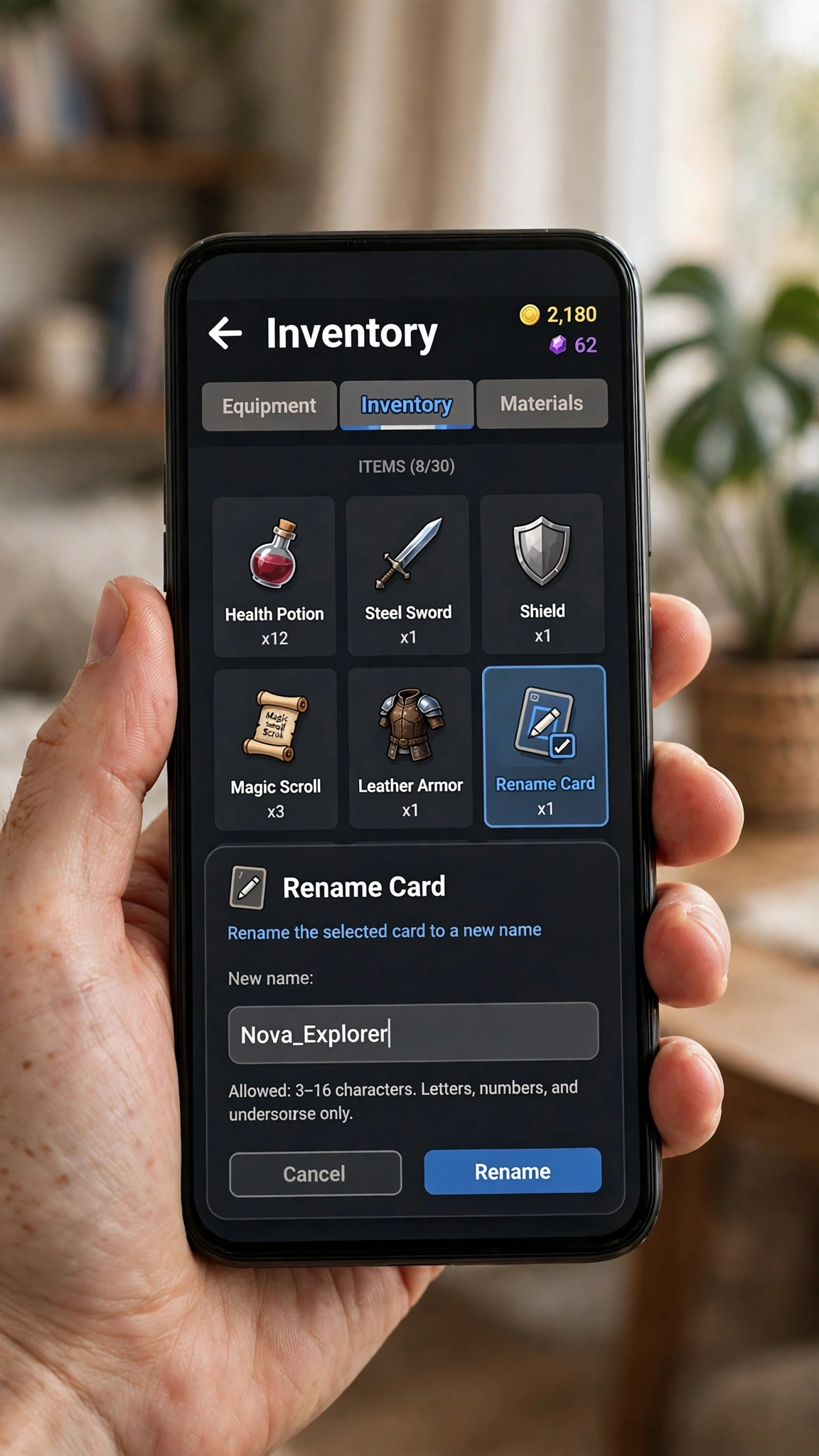
- Open the game and go to the lobby (main menu).
- Tap Inventory at the bottom of the screen.
- Find your Rename Card (it may be labelled ID Card in older versions) and tap it.
- Tap Use. A rename window opens with a text field.
- Type the new name — check spelling, spacing, and length before confirming, because the card is single-use.
- Tap OK. If the name is available and follows the rules, it changes immediately.
PUBG Mobile vs BGMI: Same Steps, One Difference
BGMI (Battlegrounds Mobile India) is the Indian version of PUBG Mobile, and the rename system is identical. The only differences are where you buy the card and which store tab it sits under:
| PUBG Mobile | BGMI | |
|---|---|---|
| Rename item | Rename Card (ID Card in older versions) | Rename Card |
| Steps | Inventory → Use → OK | Inventory → Use → OK |
| Shop price | Around 180 UC | Around 180 UC (shop, treasures tab) |
| Free card | Early level missions (guides report level 10) | Free card at level 10 per current guides |
| Rename limit | Once per day | Once per day |
| Name length | Up to 16 characters | Up to 16 characters |
Name Rules You Must Know
| Rule | What it means |
|---|---|
| Rename Card required | There is no free text edit — every rename consumes one card. |
| Up to 16 characters | Longer names are rejected at the confirmation screen. Count symbols too, not just letters. |
| No prohibited words or excessive symbols | Filtered words and symbol-stuffed names get rejected. Keep it readable. |
| Once per day | A Rename Card can be used only once per day — pick carefully, because a typo costs another day and another card. |
| Card consumed only on success | If the game rejects the name, the card stays in your inventory. Read the rejection reason before retrying. |
How to Get a Rename Card
- Free from level missions. New players earn a free Rename Card from early Growth Missions — current guides report level 10 in both games. Check your missions before spending anything.
- From the shop. If you already used the free card, the shop sells Rename Cards for around 180 UC (in BGMI, under the treasures tab).
- From events and passes. Seasonal events and Royale Pass rewards sometimes include a Rename Card — worth checking before buying one.
- Never from unofficial sellers. Buying cards or UC outside the game risks the account. If a deal looks cheaper than the shop, it is not worth the ban risk.
What Happens After You Rename?
- Rank, stats, and progress stay. A rename changes only the displayed name — nothing resets.
- Your clan stays. Renaming yourself does not rename your clan. Clan names are a separate setting with their own rules.
- Friends find you by character ID. Names can change and can contain look-alike characters, so your character ID is the dependable identifier. Tell regular teammates before you rename so nobody removes the “unknown” account.
- Old names free up. Once you rename, your previous name becomes available to others — you cannot reserve it.
If the Game Rejects Your New Name
- Taken: try a small readable change — a different word, not a longer string of symbols.
- Filtered: remove prohibited words and cut down decorative symbols.
- Too long: shorten to 16 characters or fewer, counting every symbol.
- Cooldown: if you already renamed today, the next rename waits until tomorrow — the card is not consumed by the wait.
Style It After You Rename
Once the plain rename is done, make it look the part. Our PUBG stylish names page has 16-character names ready to copy for both games, and our stylish name maker (500+ styles) turns any name into a styled version. One caution from experienced players: heavy decorative Unicode can make your account hard for friends to search and may not render the same on every device — keep the styled version readable, and test it with a teammate before a tournament.
Frequently Asked Questions
Can I change my PUBG or BGMI name for free?
The first rename can be free: new players earn a Rename Card from early level missions (guides report level 10). After that, the shop sells Rename Cards for around 180 UC.
How often can I rename?
Once per day. A Rename Card can be used only once per day, so a typo costs another day and another card — double-check spelling before tapping OK.
Is the BGMI rename process the same as PUBG Mobile?
Yes. BGMI is the Indian version of PUBG Mobile and uses the same Inventory → Rename Card → Use → OK path, the same 16-character limit, and the same once-per-day rule.
Does renaming reset my rank or stats?
No. Rank, stats, and progress are untouched — only the displayed name changes. Your clan membership stays too.
Does renaming change my clan name?
No. Clan names are a separate setting. Renaming your character only changes your own displayed name.
What if my new name is rejected?
The card is consumed only when the change succeeds, so a rejection costs you nothing but time. Fix the actual reason — taken name, filtered word, over 16 characters, or the daily limit — and try again.
Short version: get a card (free from level missions or around 180 UC in the shop), rename from Inventory, respect the 16-character and once-per-day rules, and tell your squad before you change — the name is the only thing that moves.